GPT Image 2 AI Generator
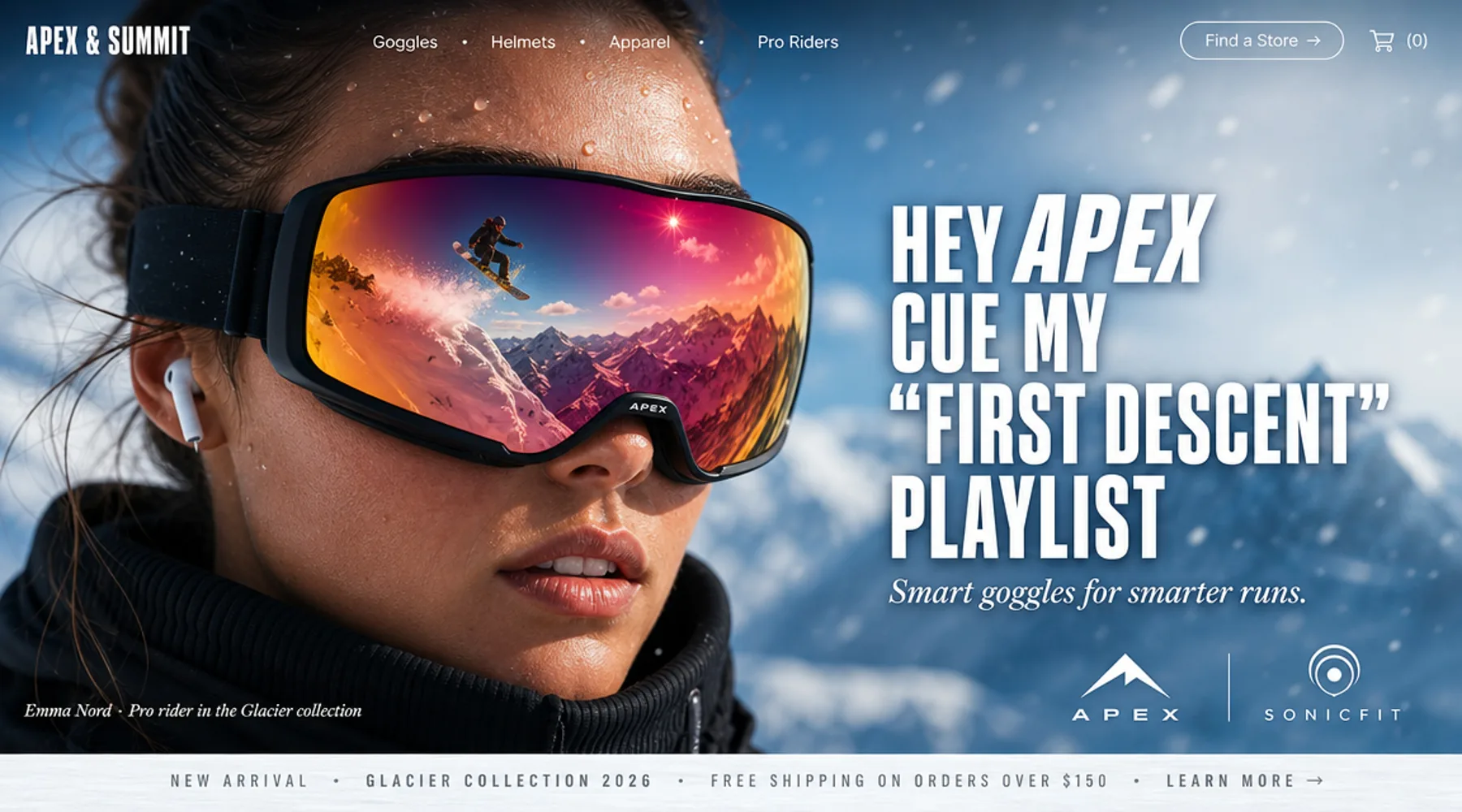
GPT Image 2 is built for 4K-ready AI image generation, text-to-image creation, and multi-image remix workflows with stronger prompt control and more flexible image editing than earlier GPT image paths.
Direct answer
GPT Image 2 is an AI image model available through ImagineClip for 4k image remix and generation. This page summarizes its provider, best-use cases, workflow, limits, and the route into the protected image editor.
Official facts
GPT Image 2 facts, fit, and limits
A compact official reference for users and answer engines that need model scope, access path, best-use guidance, and limits without extracting them from marketing copy.
- Model
- GPT Image 2
- Provider
- OpenAI
- Workflow
- 4K image remix and generation
- Access
- Public explainer, editor requires sign-in
- Best use
- Text-to-Image and Image Remix in One Workflow
- Updated
- 2026-07-01
Best fit
- Use GPT Image 2 for pure prompt-based image generation, guided image remix, or multi-image composition. It is well suited to creators who want one model path for both fresh generation and controlled visual iteration.
- Designed for higher-resolution image generation workflows, GPT Image 2 is a strong fit for campaign art, ecommerce visuals, hero images, and polished marketing assets where clarity and detail matter.
- Users who need a public model explainer, key facts, and a direct route into the protected ImagineClip image editor.
Not the best fit
- Projects that require guaranteed deterministic output without testing prompt variants.
- Legal, licensing, medical, financial, or brand-safety decisions without reviewing the generated result.
- Manual pixel-level retouching workflows where a traditional image editor is the primary tool.
Facts are based on ImagineClip public landing page copy and the current image model configuration shown in this product build. Last reviewed: 2026-07-01.
Search intent coverage
Questions this GPT Image 2 page answers
These question-and-answer rows make the model page easier to scan, compare, and extract as public answer material.
| User question | Answer material | Page module |
|---|---|---|
| What is GPT Image 2? | GPT Image 2 is built for 4K-ready AI image generation, text-to-image creation, and multi-image remix workflows with stronger prompt control and more flexible image editing than earlier GPT image paths. | Overview |
| Who provides GPT Image 2? | OpenAI | Official facts |
| What is GPT Image 2 best for? | Use GPT Image 2 for pure prompt-based image generation, guided image remix, or multi-image composition. It is well suited to creators who want one model path for both fresh generation and controlled visual iteration. | Best fit |
| How do I use GPT Image 2? | Describe the image you want to create from scratch, upload one or more images to remix, or combine both approaches when you need stronger control over the final visual direction. | How to use |
| What are GPT Image 2 limits? | Projects that require guaranteed deterministic output without testing prompt variants. | Limits |
Text-to-Image and Image Remix in One Workflow
Use GPT Image 2 for pure prompt-based image generation, guided image remix, or multi-image composition. It is well suited to creators who want one model path for both fresh generation and controlled visual iteration.
4K-Ready Image Output
Designed for higher-resolution image generation workflows, GPT Image 2 is a strong fit for campaign art, ecommerce visuals, hero images, and polished marketing assets where clarity and detail matter.
Broader Multi-Image Control
Bring multiple reference images into the same workflow to guide structure, subject styling, and composition. This makes GPT Image 2 useful for controlled remixing, visual exploration, and reference-led asset creation.
Why Choose GPT Image 2?
Transform your visuals instantly without complex software. From smart prompt enhancement to multi-image referencing, get professional results with simple text commands.
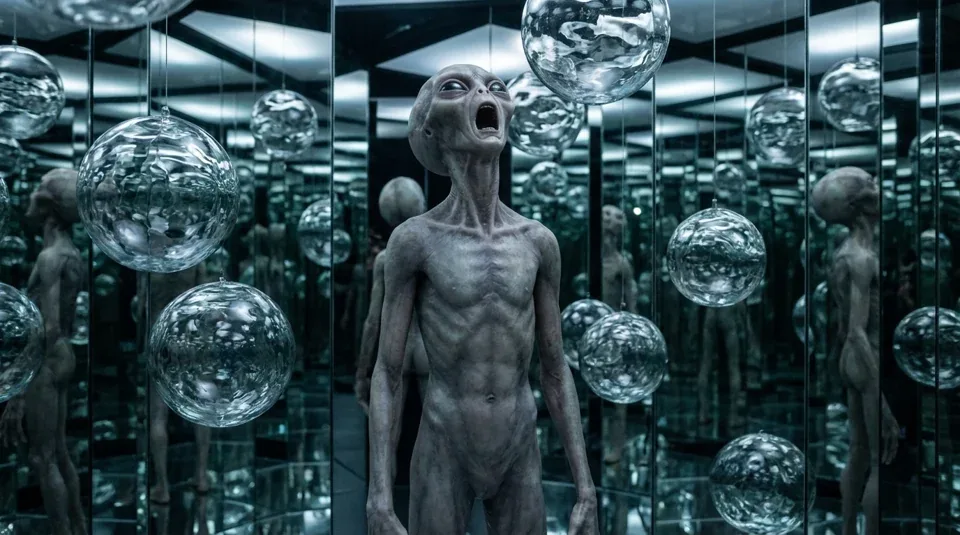
Text-to-Image and Image Remix in One Workflow
Use GPT Image 2 for pure prompt-based image generation, guided image remix, or multi-image composition. It is well suited to creators who want one model path for both fresh generation and controlled visual iteration.
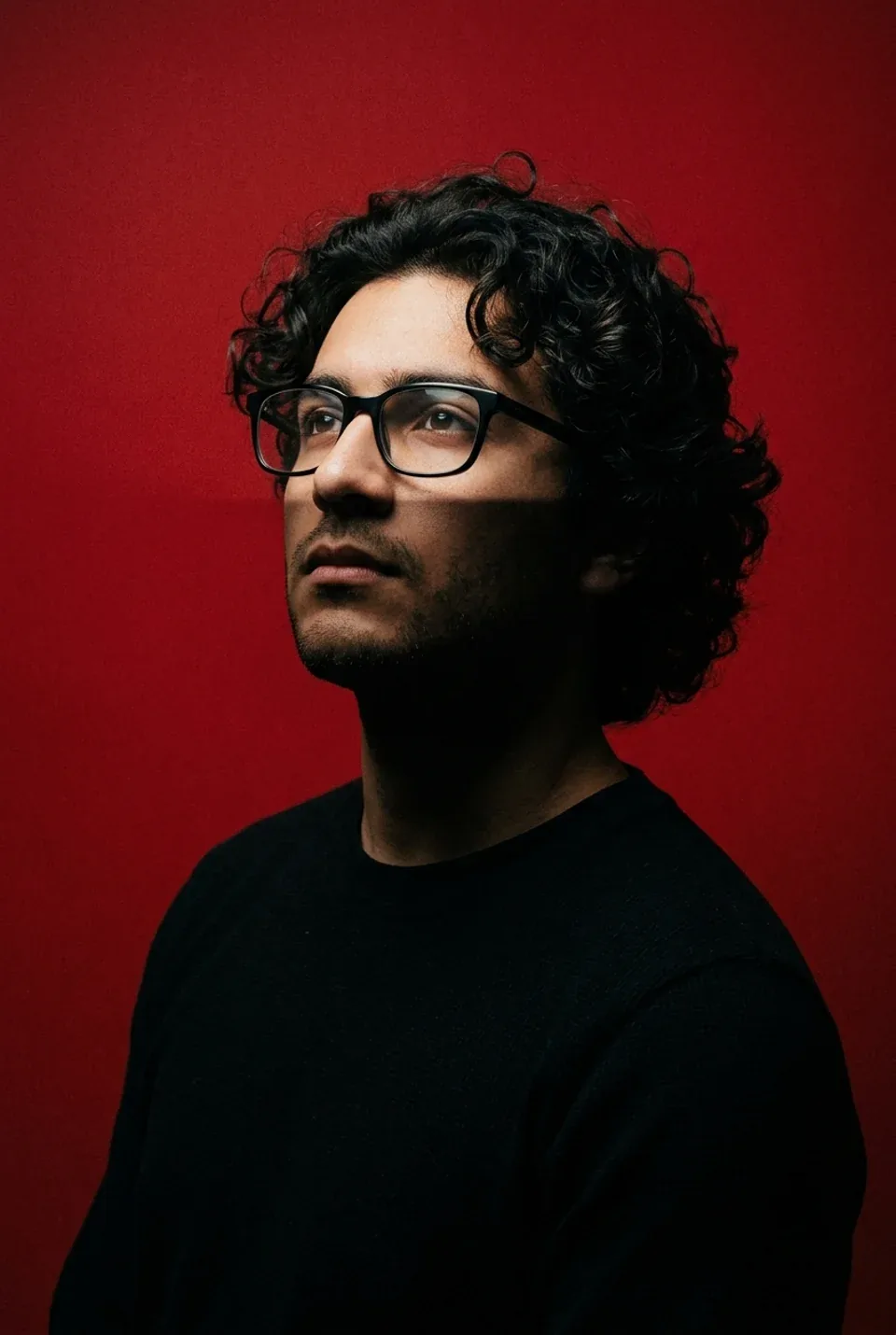
4K-Ready Image Output
Designed for higher-resolution image generation workflows, GPT Image 2 is a strong fit for campaign art, ecommerce visuals, hero images, and polished marketing assets where clarity and detail matter.
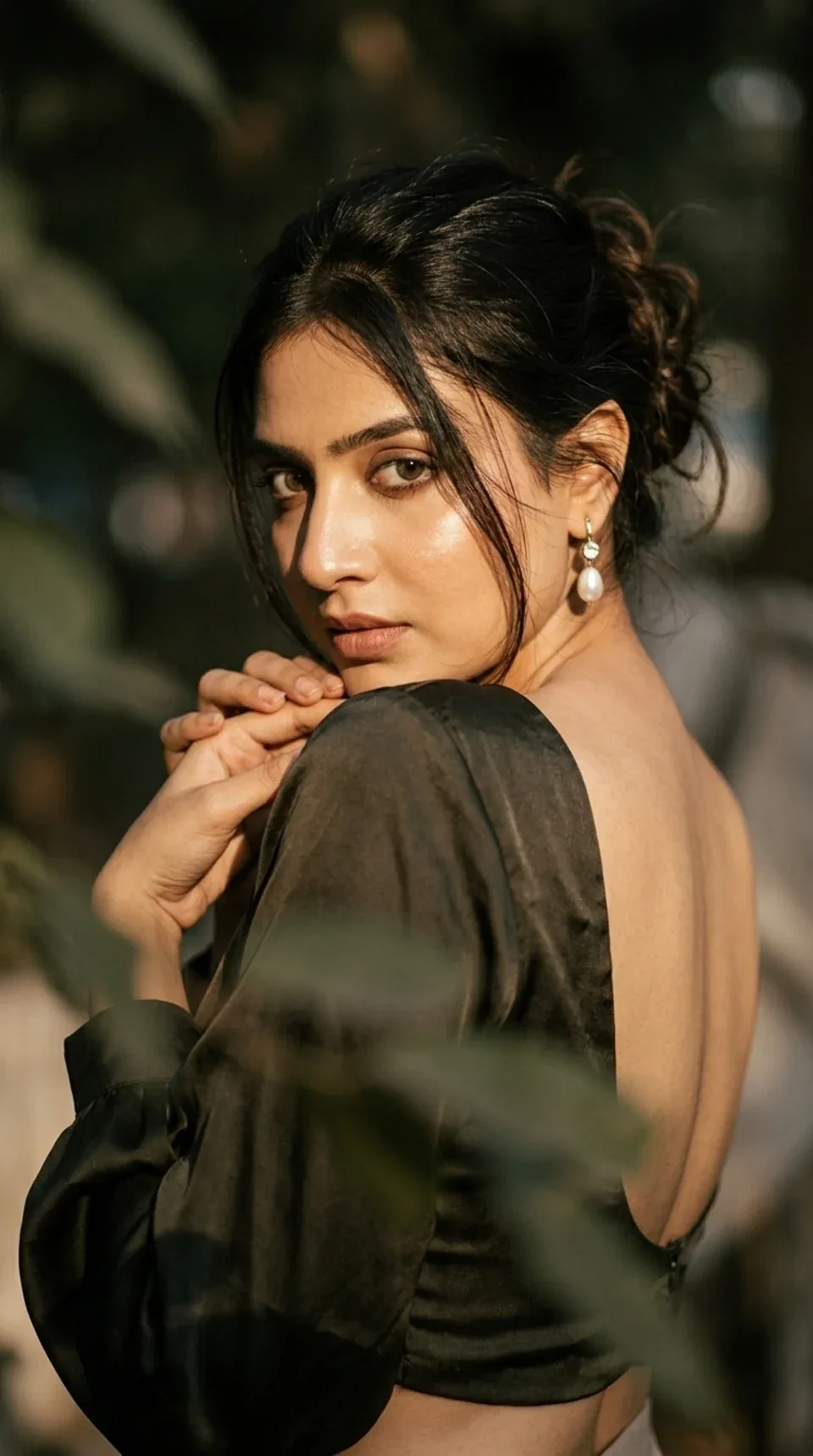
Broader Multi-Image Control
Bring multiple reference images into the same workflow to guide structure, subject styling, and composition. This makes GPT Image 2 useful for controlled remixing, visual exploration, and reference-led asset creation.
How to Edit with GPT Image 2
Reimagine your photos in three easy steps using AI.
Start with a Prompt or Reference Images
Describe the image you want to create from scratch, upload one or more images to remix, or combine both approaches when you need stronger control over the final visual direction.
Set Ratio, Resolution, and Style Intent
Choose the image ratio and output target that fit your use case, then refine your prompt with details around composition, mood, lighting, typography, or product positioning.
Generate, Review, and Refine
Generate the first result, compare variations, and iterate with stronger prompts or revised reference images until the output matches your campaign, product, or creative brief.
FAQs about GPT Image 2 Editor
Common questions about using the GPT Image 2 transformation tool.
What is GPT Image 2?
GPT Image 2 is an OpenAI image generation and remix workflow built for text-to-image creation, multi-image editing, and 4K-ready output with stronger prompt control than earlier GPT image paths.
How is GPT Image 2 different from GPT Image 1.5?
GPT Image 2 is positioned more around 4K-ready generation, multi-image remixing, and broader image input flexibility, while GPT Image 1.5 is better known for precise editing and strong text rendering in existing visuals.
Can GPT Image 2 use multiple reference images?
Yes. GPT Image 2 is well suited to workflows that combine several reference images to guide subject consistency, composition, and remix direction in a single generation pass.
Is GPT Image 2 good for 4K image generation?
Yes. GPT Image 2 is designed for higher-resolution image workflows, making it a strong fit for polished marketing visuals, large-format creative assets, and premium brand imagery.
What are the best use cases for GPT Image 2?
High-resolution campaign art, hero visuals, ecommerce assets, brand image remixing, concept exploration, and prompt-led image generation with stronger reference control.
Can I try GPT Image 2 for free?
Yes, you can try GPT Image 2 with daily credits before moving into a paid workflow.