FLUX 2 AI Image Generator
From Black Forest Labs, FLUX 2 delivers strong multi-reference control with up to 8 images, keeping characters, products, and styles consistent across outputs with reliable accuracy.
Direct answer
FLUX 2 is an AI image model available through ImagineClip for multi-reference image generation. This page summarizes its provider, best-use cases, workflow, limits, and the route into the protected image editor.
Official facts
FLUX 2 facts, fit, and limits
A compact official reference for users and answer engines that need model scope, access path, best-use guidance, and limits without extracting them from marketing copy.
- Model
- FLUX 2
- Provider
- Black Forest Labs
- Workflow
- Multi-reference image generation
- Access
- Public explainer, editor requires sign-in
- Best use
- Multi-Reference Consistency
- Updated
- 2026-07-01
Best fit
- Combine up to 8 images and keep characters, products, and styles consistent across outputs. FLUX 2 handles identity stability even in complex scenes with reliable accuracy.
- Pushes image quality further with sharper textures, cleaner materials, and stable lighting. Produce product shots, portraits, and visuals that stay true to real-world logic without losing detail.
- Users who need a public model explainer, key facts, and a direct route into the protected ImagineClip image editor.
Not the best fit
- Projects that require guaranteed deterministic output without testing prompt variants.
- Legal, licensing, medical, financial, or brand-safety decisions without reviewing the generated result.
- Manual pixel-level retouching workflows where a traditional image editor is the primary tool.
Facts are based on ImagineClip public landing page copy and the current image model configuration shown in this product build. Last reviewed: 2026-07-01.
Search intent coverage
Questions this FLUX 2 page answers
These question-and-answer rows make the model page easier to scan, compare, and extract as public answer material.
| User question | Answer material | Page module |
|---|---|---|
| What is FLUX 2? | From Black Forest Labs, FLUX 2 delivers strong multi-reference control with up to 8 images, keeping characters, products, and styles consistent across outputs with reliable accuracy. | Overview |
| Who provides FLUX 2? | Black Forest Labs | Official facts |
| What is FLUX 2 best for? | Combine up to 8 images and keep characters, products, and styles consistent across outputs. FLUX 2 handles identity stability even in complex scenes with reliable accuracy. | Best fit |
| How do I use FLUX 2? | Upload up to 8 reference images to guide the AI. Keep characters, products, and styles consistent across your outputs. | How to use |
| What are FLUX 2 limits? | Projects that require guaranteed deterministic output without testing prompt variants. | Limits |
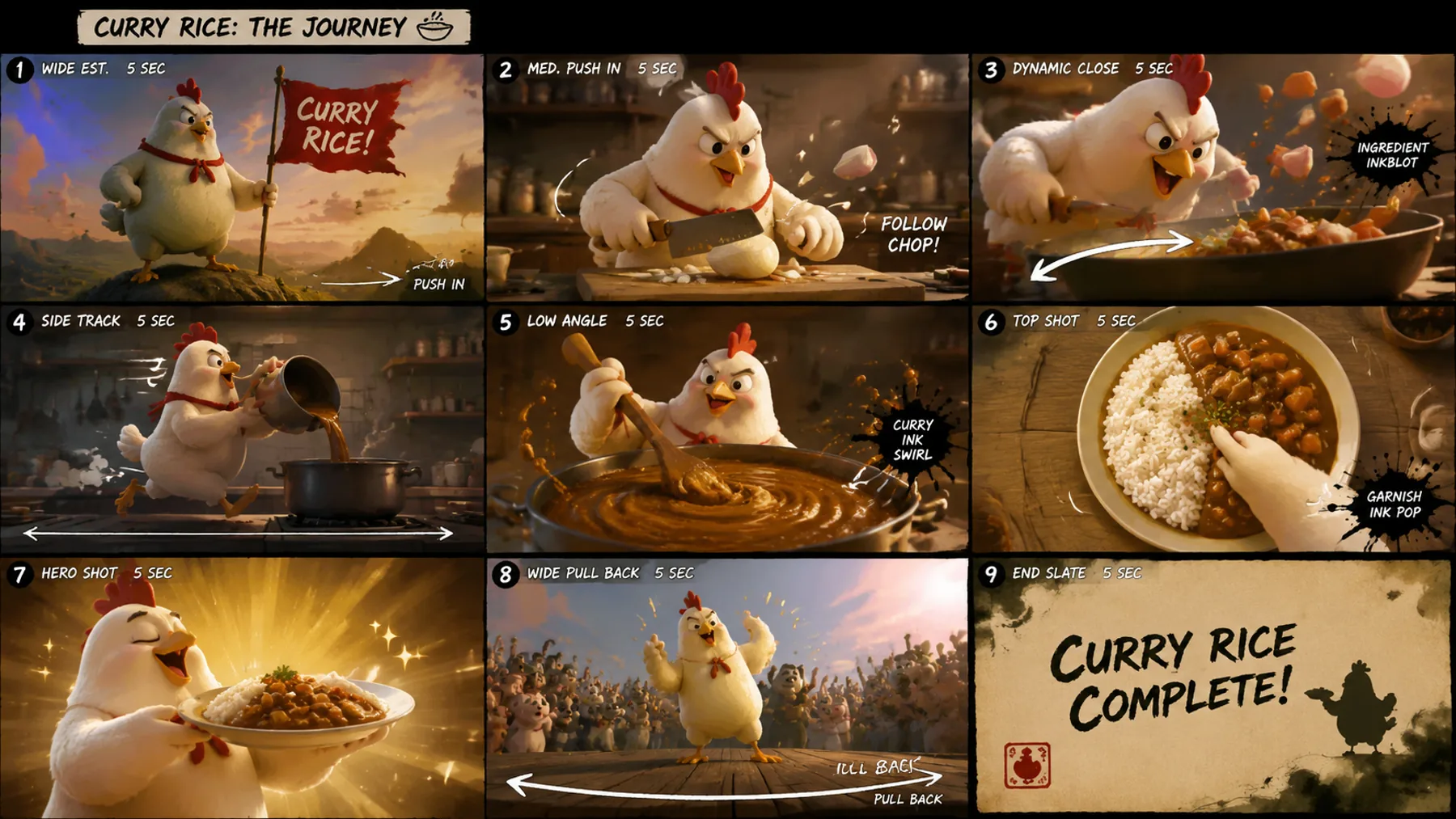
Multi-Reference Consistency
Combine up to 8 images and keep characters, products, and styles consistent across outputs. FLUX 2 handles identity stability even in complex scenes with reliable accuracy.
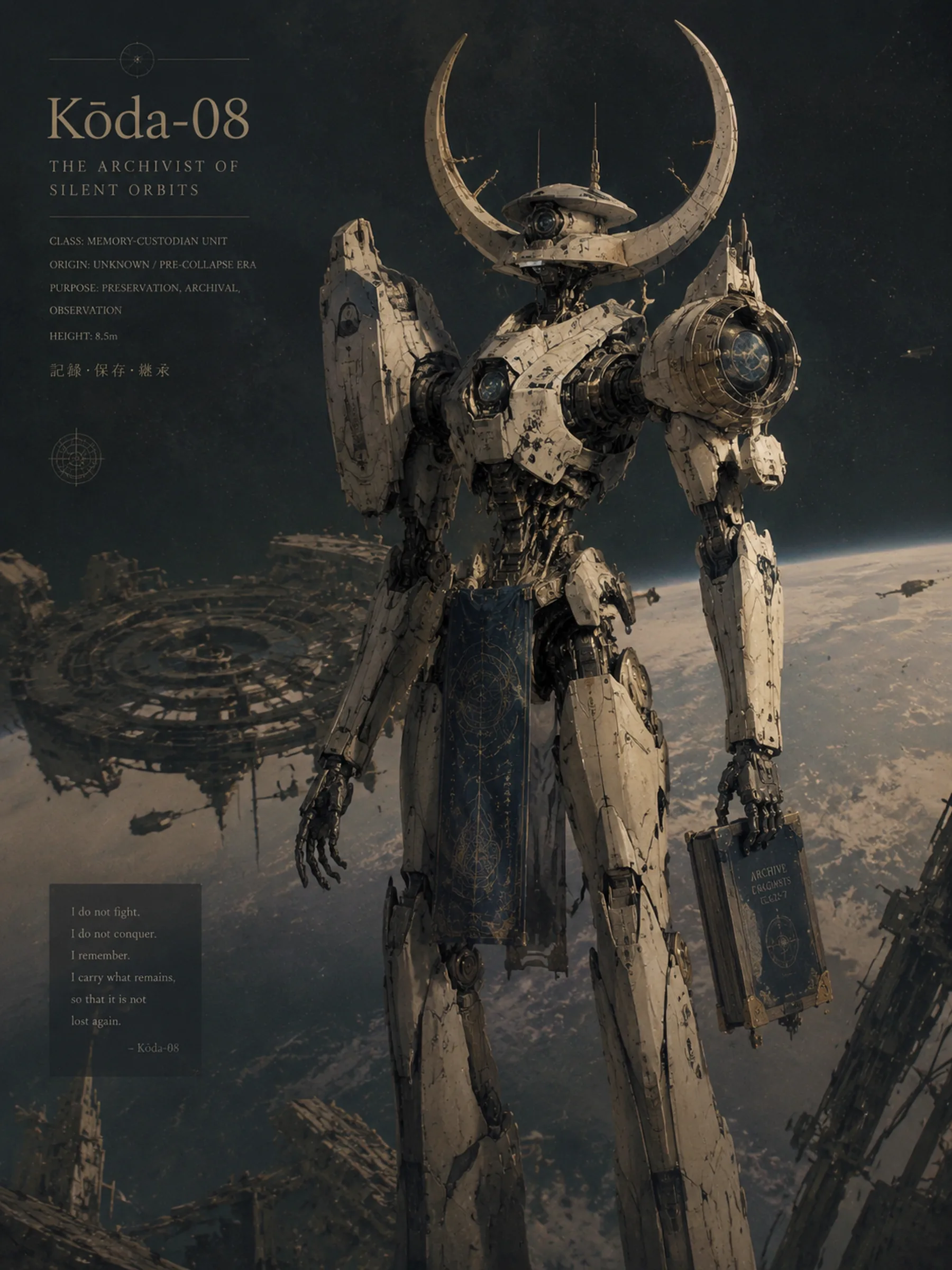
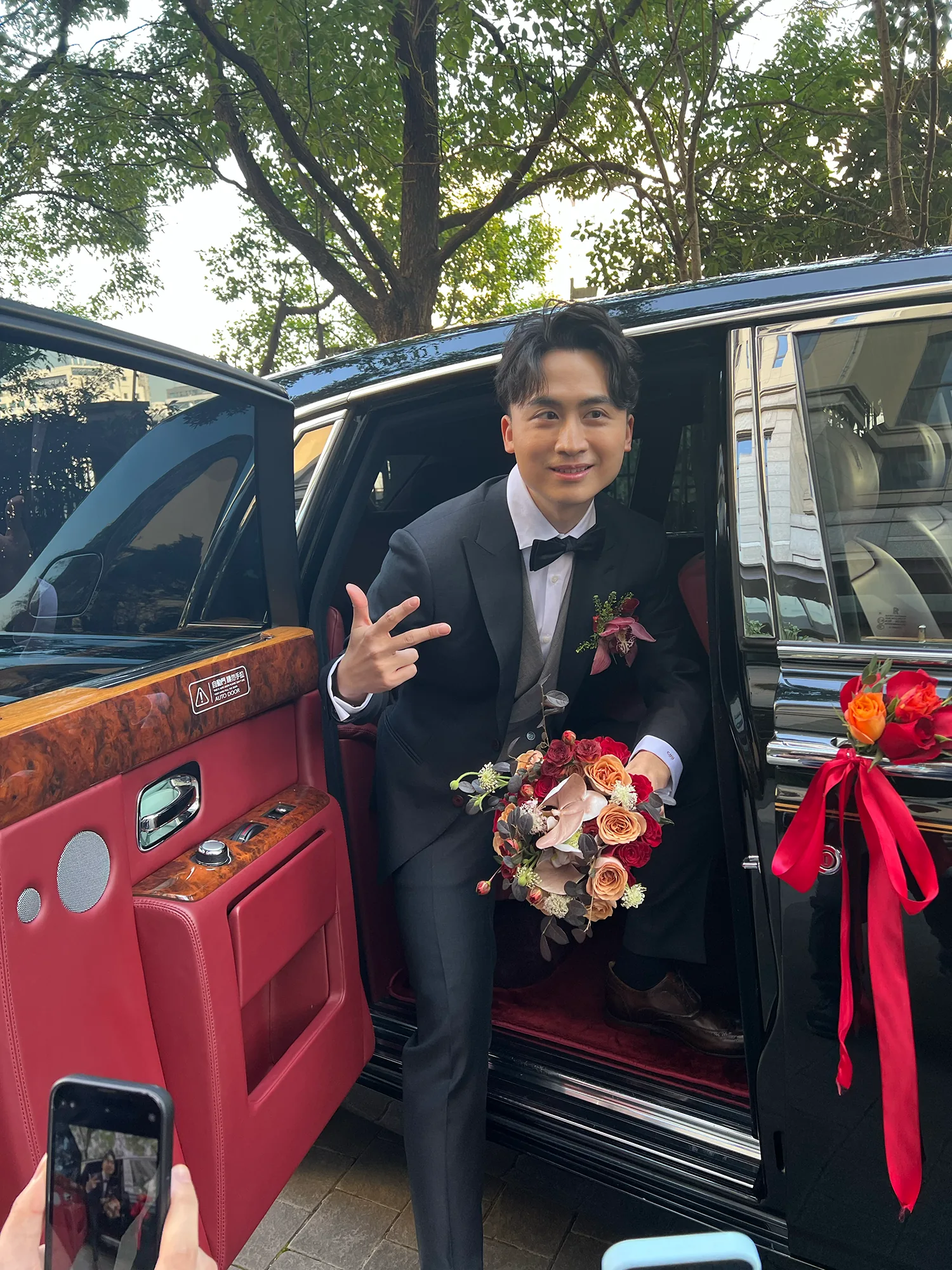
Higher Fidelity Image Detail
Pushes image quality further with sharper textures, cleaner materials, and stable lighting. Produce product shots, portraits, and visuals that stay true to real-world logic without losing detail.
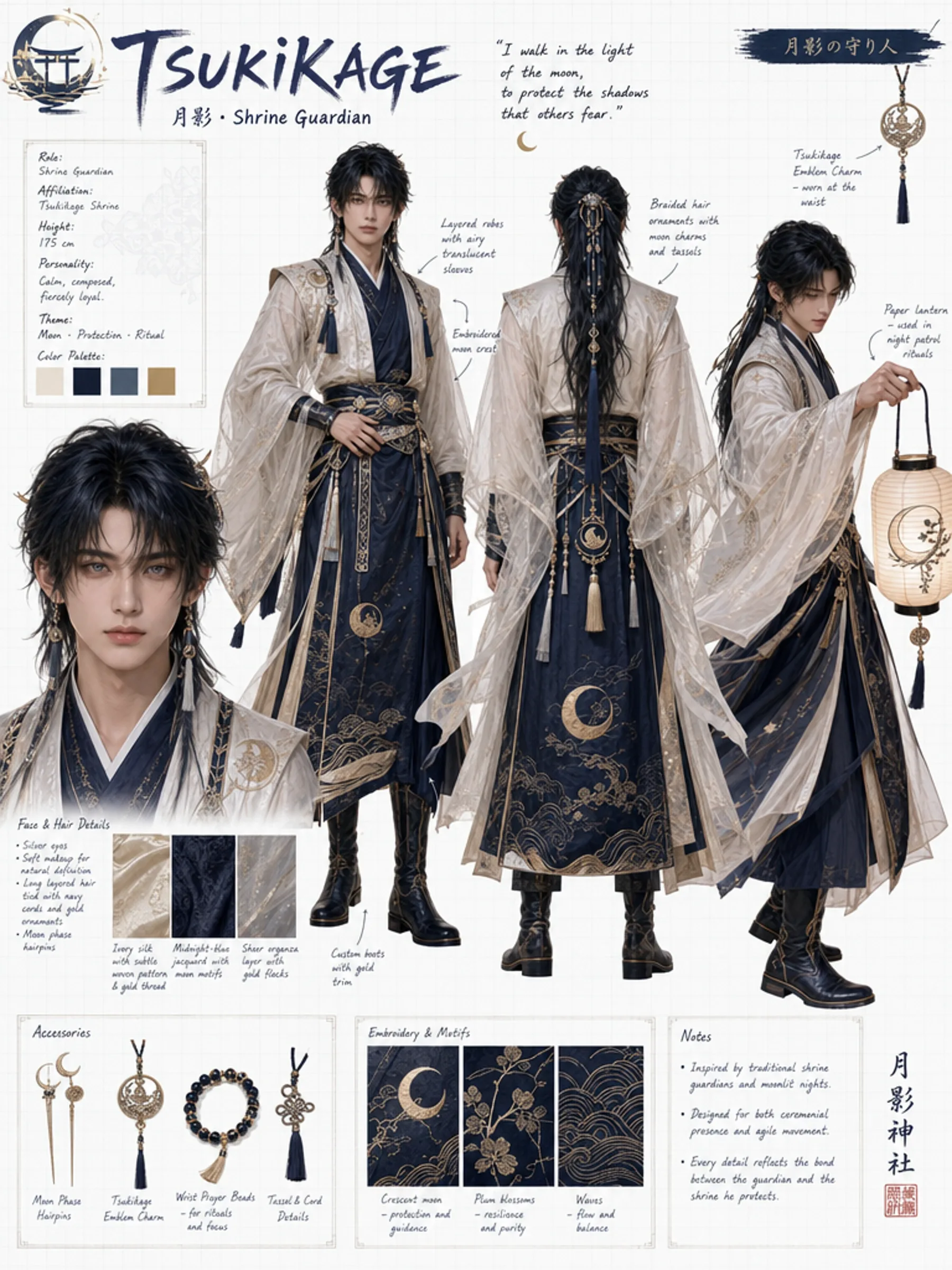
Improved Text Rendering
Handles fine typography, infographics, UI layouts, and meme-style text with strong accuracy. Renders small fonts sharply, balances layout spacing, and follows structured instructions.
Why Choose FLUX 2?
Transform your visuals instantly without complex software. From smart prompt enhancement to multi-image referencing, get professional results with simple text commands.
Multi-Reference Consistency
Combine up to 8 images and keep characters, products, and styles consistent across outputs. FLUX 2 handles identity stability even in complex scenes with reliable accuracy.
Higher Fidelity Image Detail
Pushes image quality further with sharper textures, cleaner materials, and stable lighting. Produce product shots, portraits, and visuals that stay true to real-world logic without losing detail.
Improved Text Rendering
Handles fine typography, infographics, UI layouts, and meme-style text with strong accuracy. Renders small fonts sharply, balances layout spacing, and follows structured instructions.
How to Edit with FLUX 2
Reimagine your photos in three easy steps using AI.
Upload References
Upload up to 8 reference images to guide the AI. Keep characters, products, and styles consistent across your outputs.
Describe Your Scene
Write detailed prompts with multi-part instructions. FLUX 2 follows complex prompts reliably including lighting, props, and subject placement.
Generate at 4MP
Generate images up to 4MP resolution with flexible input and output ratios. Create vertical ads, banners, posters, and wide-format visuals.
FAQs about FLUX 2 Editor
Common questions about using the FLUX 2 transformation tool.
What is FLUX 2?
FLUX 2 is an advanced AI image generation model from Black Forest Labs. It delivers strong multi-reference control, higher fidelity details, improved text rendering, and stronger prompt following for production-grade outputs.
How many reference images can I use?
You can combine up to 8 reference images to keep characters, products, and styles consistent across your outputs.
What resolution does FLUX 2 support?
FLUX 2 supports editing and generation up to 4MP resolution with flexible input and output ratios for various formats.
Can FLUX 2 render text in images?
Yes. FLUX 2 handles fine typography, infographics, UI layouts, and text with strong accuracy, rendering small fonts sharply while maintaining layout spacing.
What are the best use cases?
Product photography, marketing creatives, UI mockups, infographics, and consistent character scenes for storyboards and comics.
Is it free to use?
Yes, you can try FLUX 2 for free. We offer daily credits so you can experiment with multi-reference image generation without a subscription.